TetraKits
Free QR Code Scanner
Scan QR codes instantly with your camera or from an uploaded image. No signup required.
- No Signup
- Free to Use
- Privacy Friendly
Allow camera access, then point your device at a QR code.
Upload a photo or screenshot that contains a QR code.
Scan a code to see the decoded content here.
Why Use Our QR Code Scanner?
-

Free Forever
Scan as many QR codes as you need with no subscriptions or hidden costs.
-

No Signup Required
Open the tool and start scanning immediately. No account needed.
-

Camera and Upload
Scan live with your camera or decode QR codes from saved images.
-

Privacy Friendly
Scanning runs in your browser. Your images are not uploaded to our servers.
-

Smart Detection
Recognizes URLs, WiFi networks, contact cards, and plain text automatically.
-

Copy and Open
Copy decoded content or open website links with one tap.
How to Scan a QR Code
-
 1
1
Choose scan method
Select camera scan or upload an image from your device.
-
 2
2
Scan the code
Point your camera at the QR code or upload a photo.
-
 3
3
View the result
See the decoded URL, text, WiFi, or contact information.
-
 4
4
Copy or open
Copy the content or open website links instantly.
Frequently Asked Questions
Is this QR code scanner free?
Yes. TetraKits QR Code Scanner is completely free with no hidden fees, subscriptions, or usage limits.
Do I need to install an app?
No app is required. Scan directly in your browser using your camera or by uploading an image.
Is my scan data uploaded?
No. Scanning happens locally in your browser. Your images and decoded content are not stored on our servers.
What types of QR codes can I scan?
You can scan standard QR codes containing URLs, plain text, WiFi credentials, contact cards, and more.
Can I scan a QR code from a photo?
Yes. Switch to Upload Image mode and choose a screenshot or photo that contains a QR code.
What Is a QR Code Scanner?
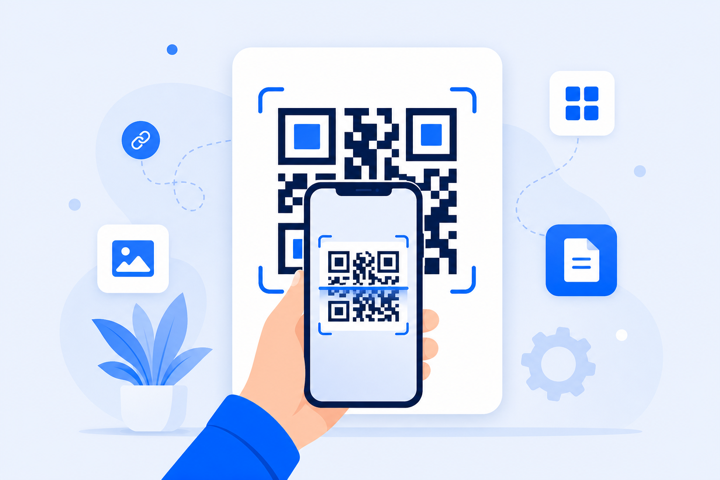
A QR code scanner reads the black-and-white pattern in a QR code and converts it back into readable content such as a website URL, message, WiFi password, or contact card. TetraKits QR Code Scanner works in your browser so you can scan instantly without installing an app.
Use your device camera for live scanning or upload an image when you already have a photo or screenshot of a code.